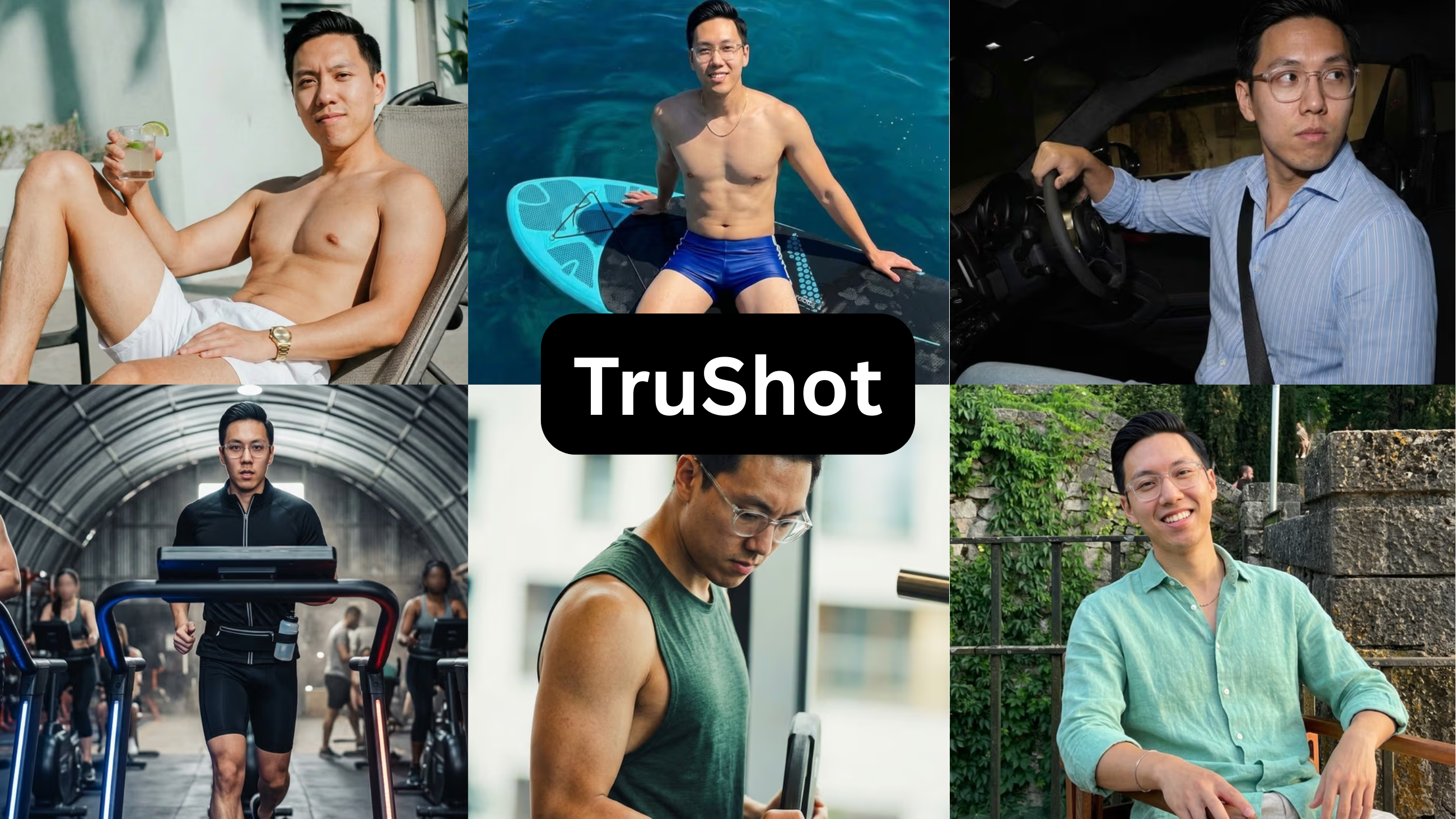
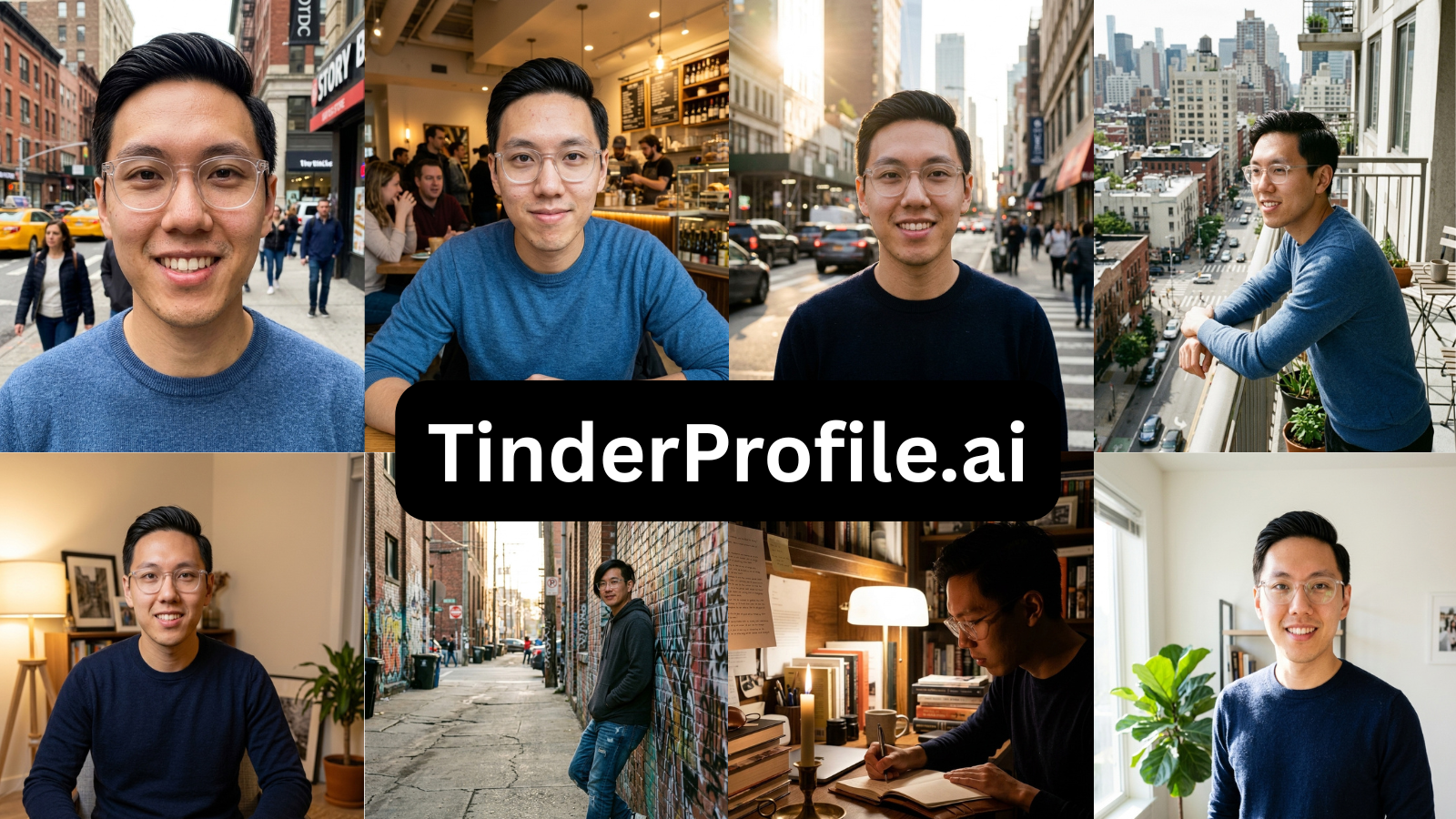
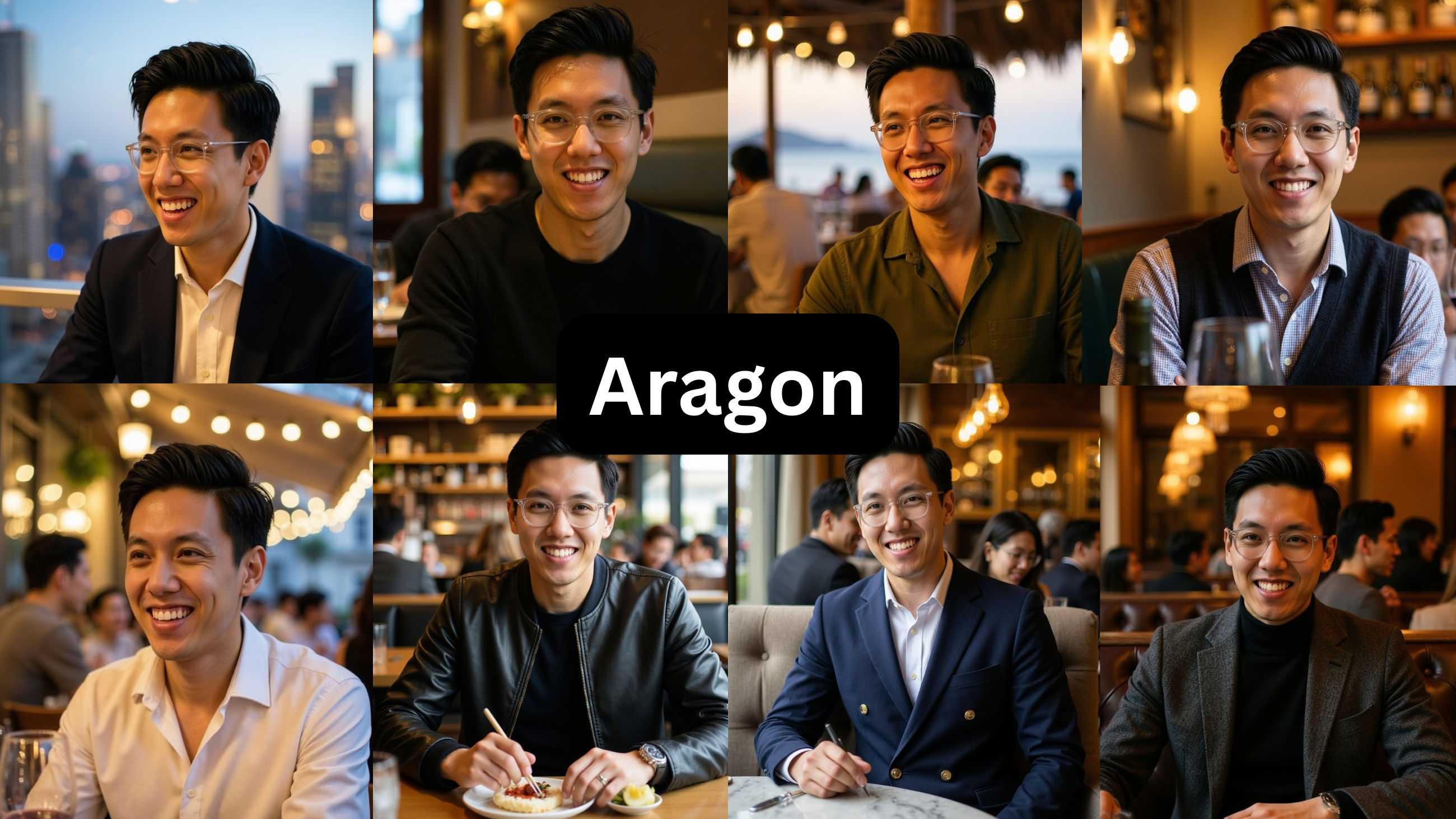
PhotoLike vs DatePhotos.ai (2026): I Tested Both on the Same Photos

TL;DR
Both tools make the same promise: you, in real everyday settings instead of a fake headshot. Same face through both, lowest paid tier each.
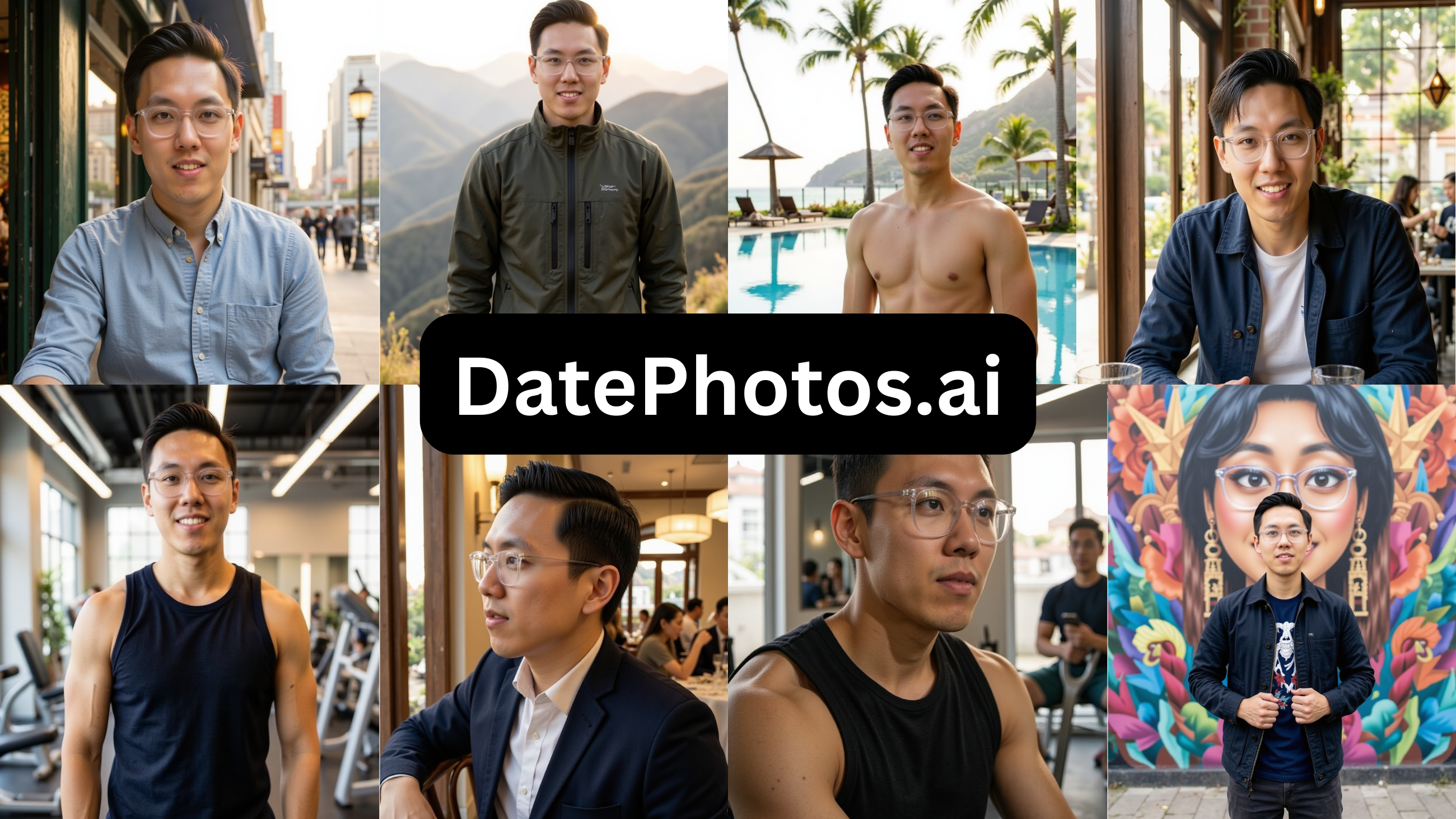
The doubt you brought here decided it: ‘will they look AI?’ In my test, DatePhotos came back over-smoothed — ~22% usable — while Photolike kept real skin at ~88%. Below: the gap, measured — and how to verify it free.
The doubt you brought here is the actual comparison
DatePhotos.ai and Photolike.ai sound similar at first: both promise realistic dating photos in everyday settings. So the buying question is not whether the idea is good. The idea is good.
The real question is: which tool creates believable everyday photos without crossing into the over-smoothed AI look?
That matters because dating photos are judged up close. A café scene only works if the face still looks like a real person inside a real moment. If the skin looks poreless, the lighting looks too processed, or the face feels slightly softened, the setting stops helping.
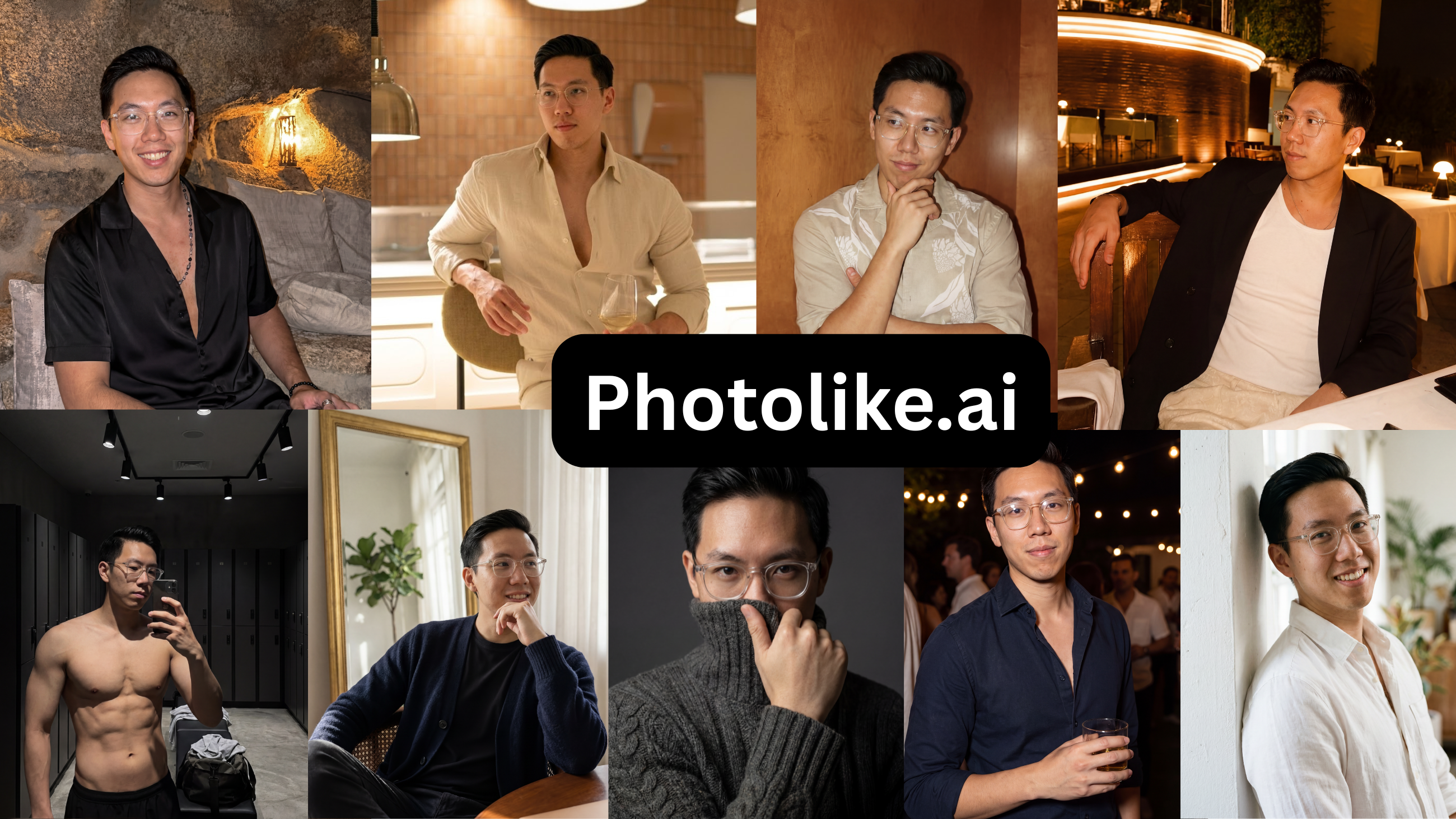
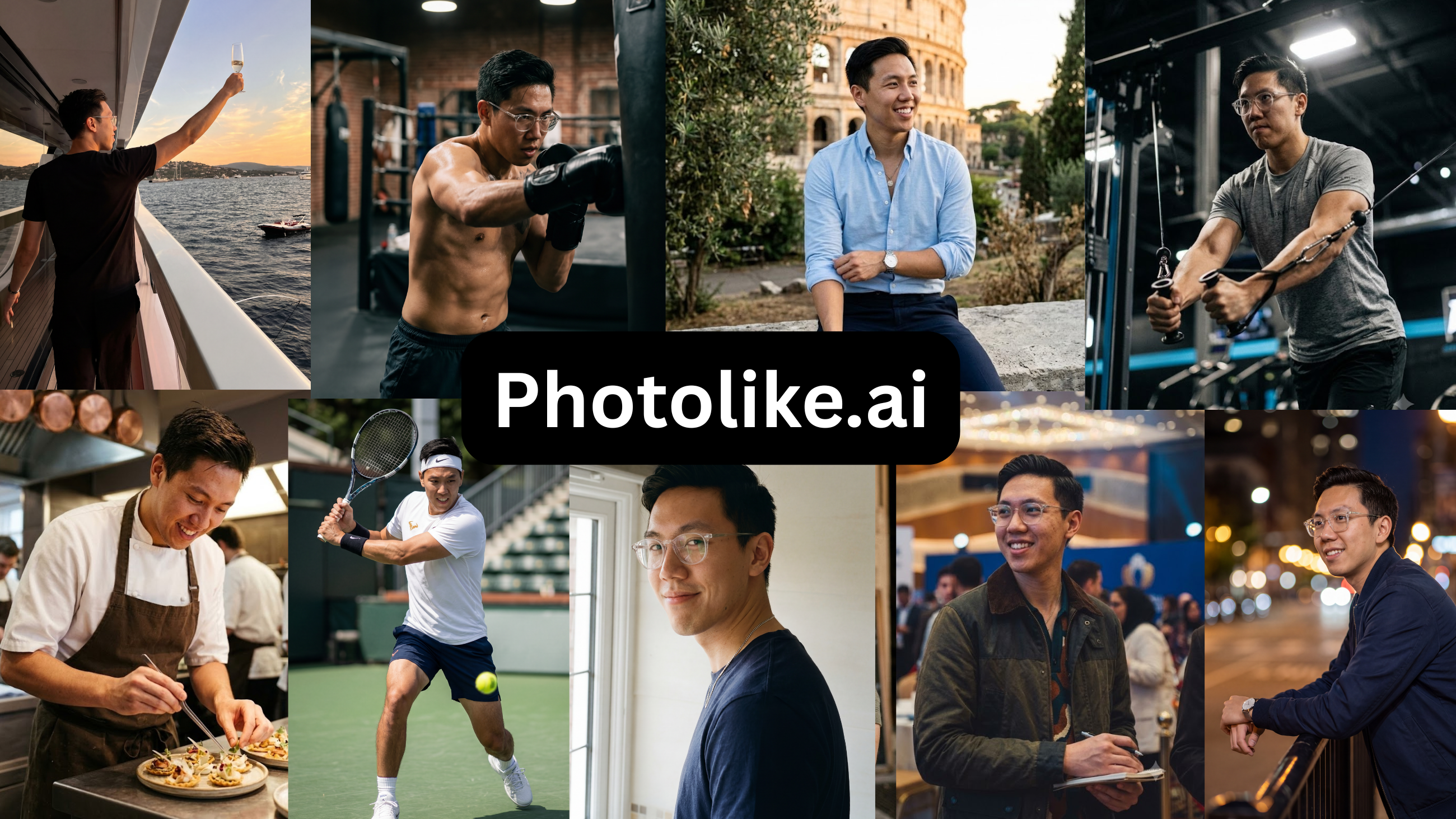
The one-sentence difference
Both tools aim at real-life dating contexts; Photolike kept more real texture and usable output in this test, while DatePhotos leaned into the over-smoothed finish that can make a realistic scene still feel AI-generated.
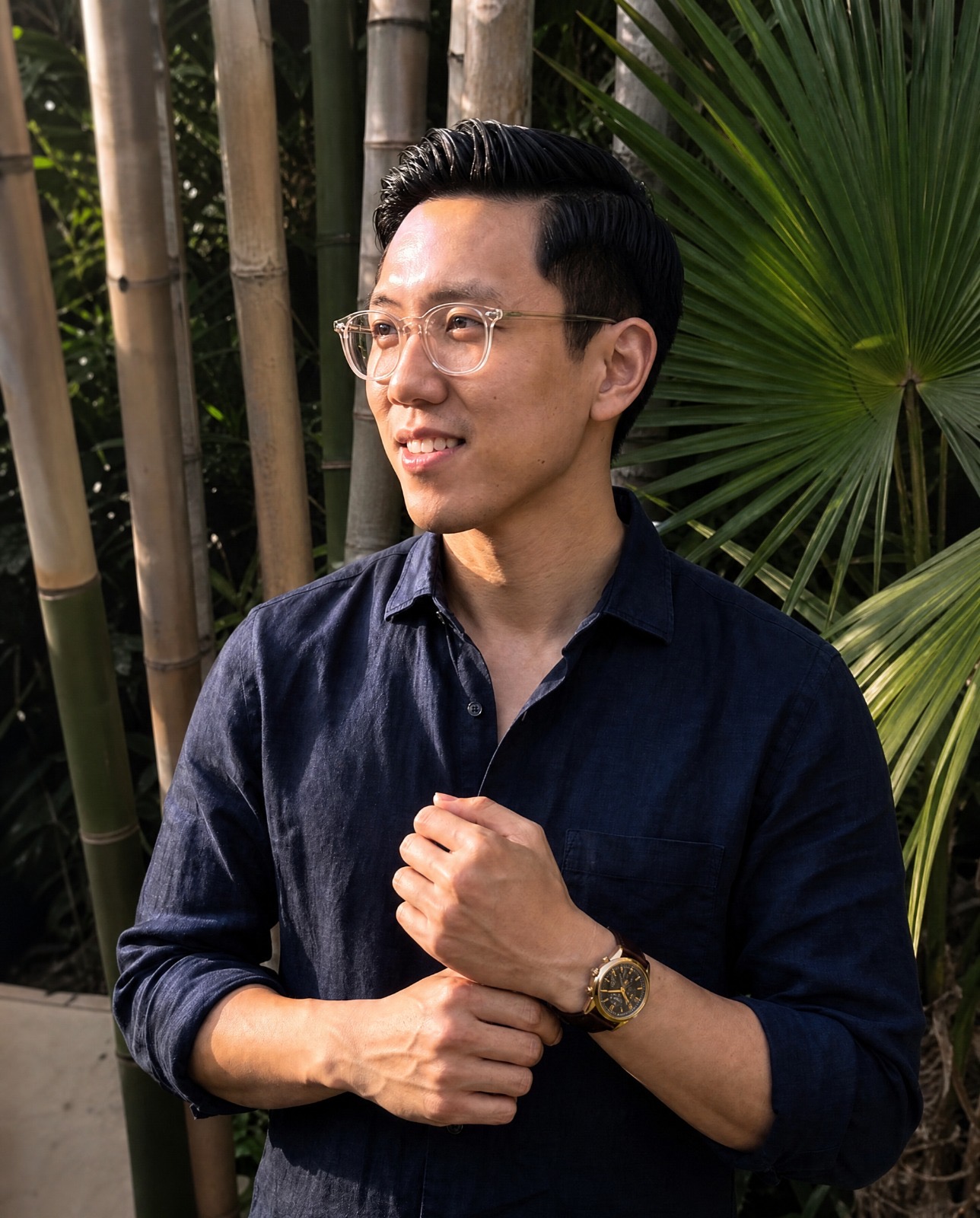
Photolike's full-quality free preview of our volunteer, Alex— the only free output you could actually use on your dating profile.
See The Difference
Your photos do the talking before you do. Make sure they're saying the right thing.
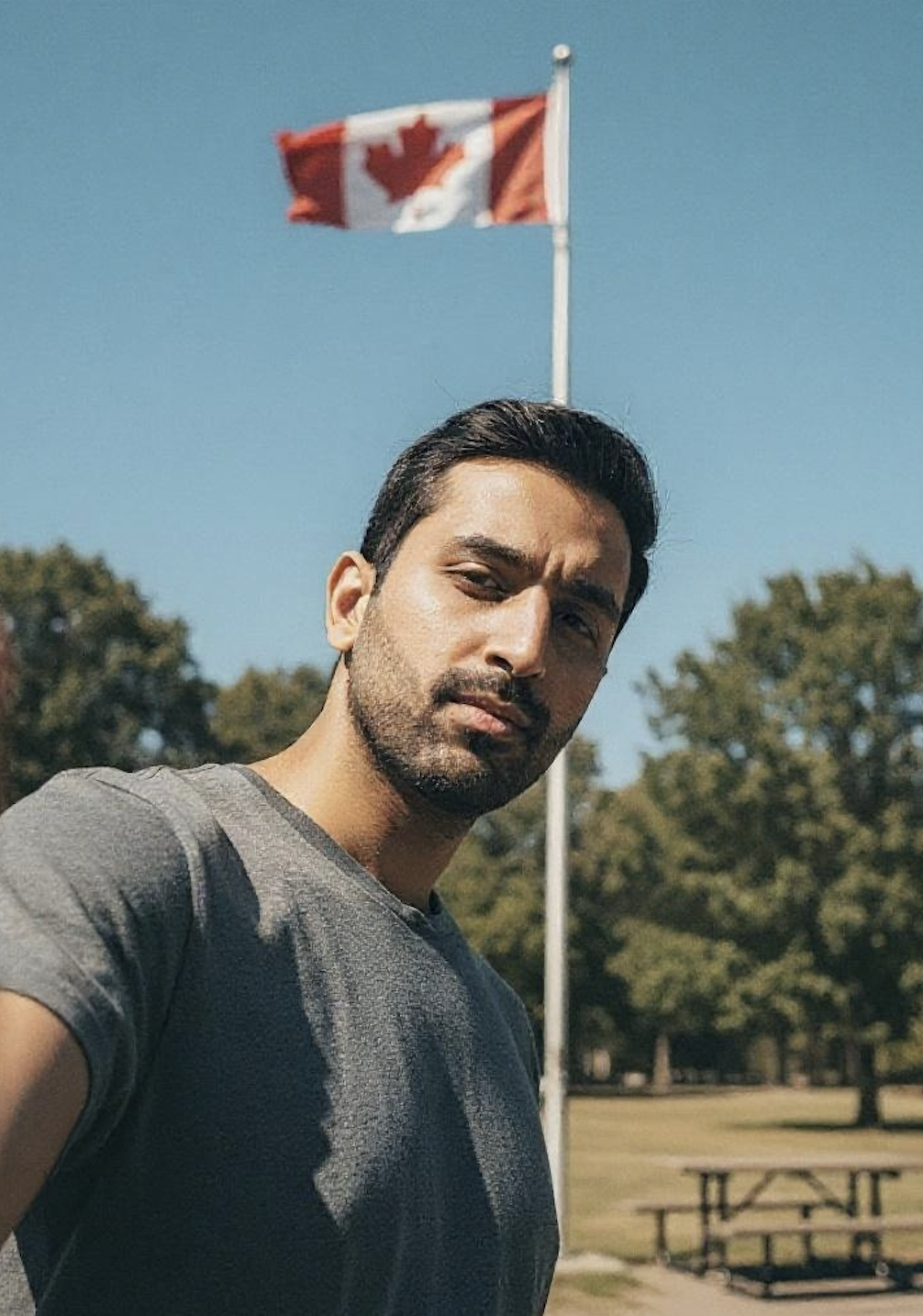
Unflattering angle • Harsh lighting • Missed potential
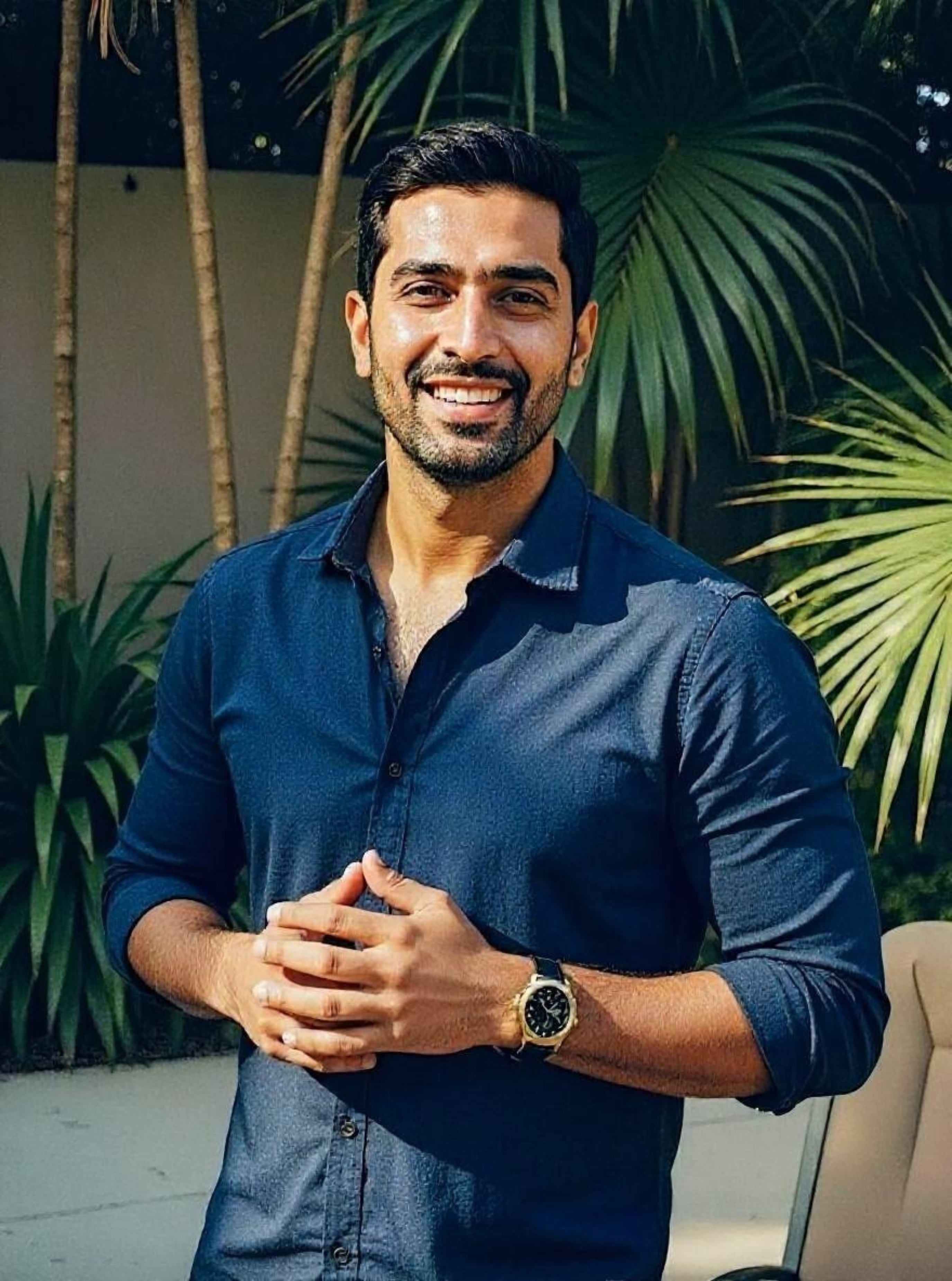
Confident pose • Perfect lighting • Match-ready
1 free match-ready photo first • unlock 40 for $24.99 only if you love it • no card required
Check the numbers
Publisher-ranks-first applies here too — which is why the table’s most important row is the one you can test yourself, free, before believing any of it.
| Criterion | PhotoLike | DatePhotos.ai |
|---|---|---|
| Realism | ★★★★★ | ★★☆☆☆ |
| Looks like you | ★★★★★ | ★★★☆☆ |
| Variety | ★★★★★ | ★★★★☆ |
| Usable photos | ★★★★★ | ★★☆☆☆ |
| Preview before paying | ★★★★★ | ★☆☆☆☆ |
DatePhotos scores on breadth of settings; realism and usable output are where the test separated them.
| PhotoLike | DatePhotos.ai | |
|---|---|---|
| Pricing shape | $24.99 one-time | $29 subscription |
| See a result before paying | Yes — free photo, no card | No |
| Training wait | Minutes to a preview | ~1 hour (longest tested) |
| Usable share (my test) | ~88% | ~22% |
| Finish | Real skin texture | Consistently over-smoothed |
Entry tiers shown; higher tiers untested.
See The Difference
Your photos do the talking before you do. Make sure they're saying the right thing.
Unflattering angle • Harsh lighting • Missed potential
Confident pose • Perfect lighting • Match-ready
1 free match-ready photo first • unlock 40 for $24.99 only if you love it • no card required
Good idea, plasticky result
DatePhotos starts from a decent idea: real everyday settings instead of fake studio backdrops, which suits a dating profile. The execution was the problem. Almost everything came out plasticky — that over-smoothed, no-pores look that reads as fake and that the apps’ verification is built to catch — and most of the batch wasn’t usable. On top of that, training took about an hour, the longest of anything I tested.
The setting idea’s fine. The plasticky finish is the problem — most of the batch wasn’t usable.
DatePhotos.ai
Price: $29 · Free preview: No
| Strengths | Limitations |
|---|---|
| – A large volume of photos per batch | – The output is consistently plasticky |
| – A wide range of style selections | – An hour-long training wait — the longest tested |
| – Most images look too AI-generated for a real profile | |
| – Output too AI-looking for most profiles |
Verdict — Decent idea — real settings instead of fake studios — but everything came out plasticky and the training wait was an hour. Most of the batch wasn’t usable. Hard pass.
Photolike by comparison
PhotoLike goes for the same goal — putting you in real-looking everyday settings — without the plastic finish, and the output stayed looking like Alex. It’s a one-time $24.99 for 40+ photos rather than a subscription, and there’s a free preview, so you check quality before paying instead of after a subscription charge.
Photolike.ai
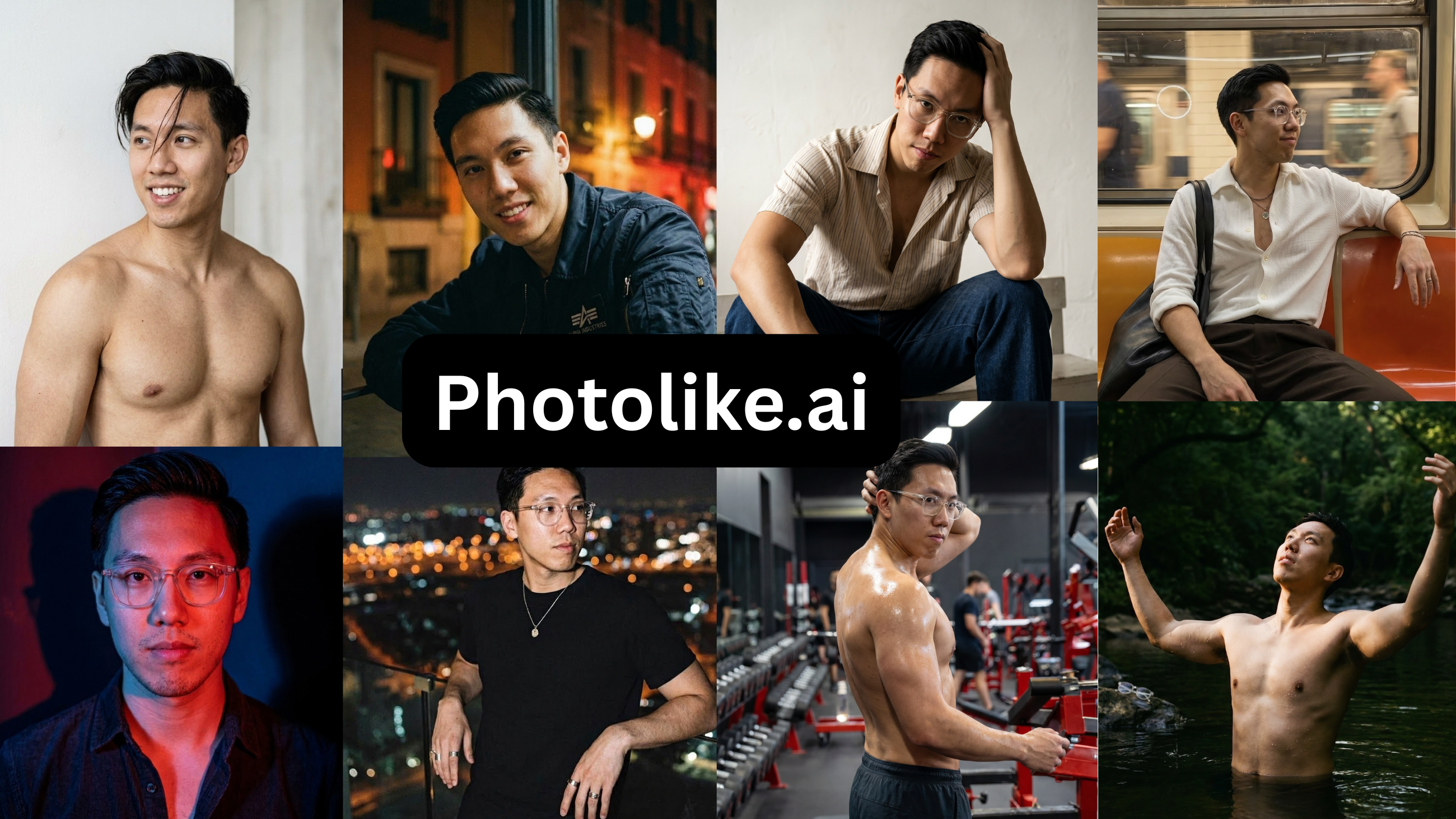
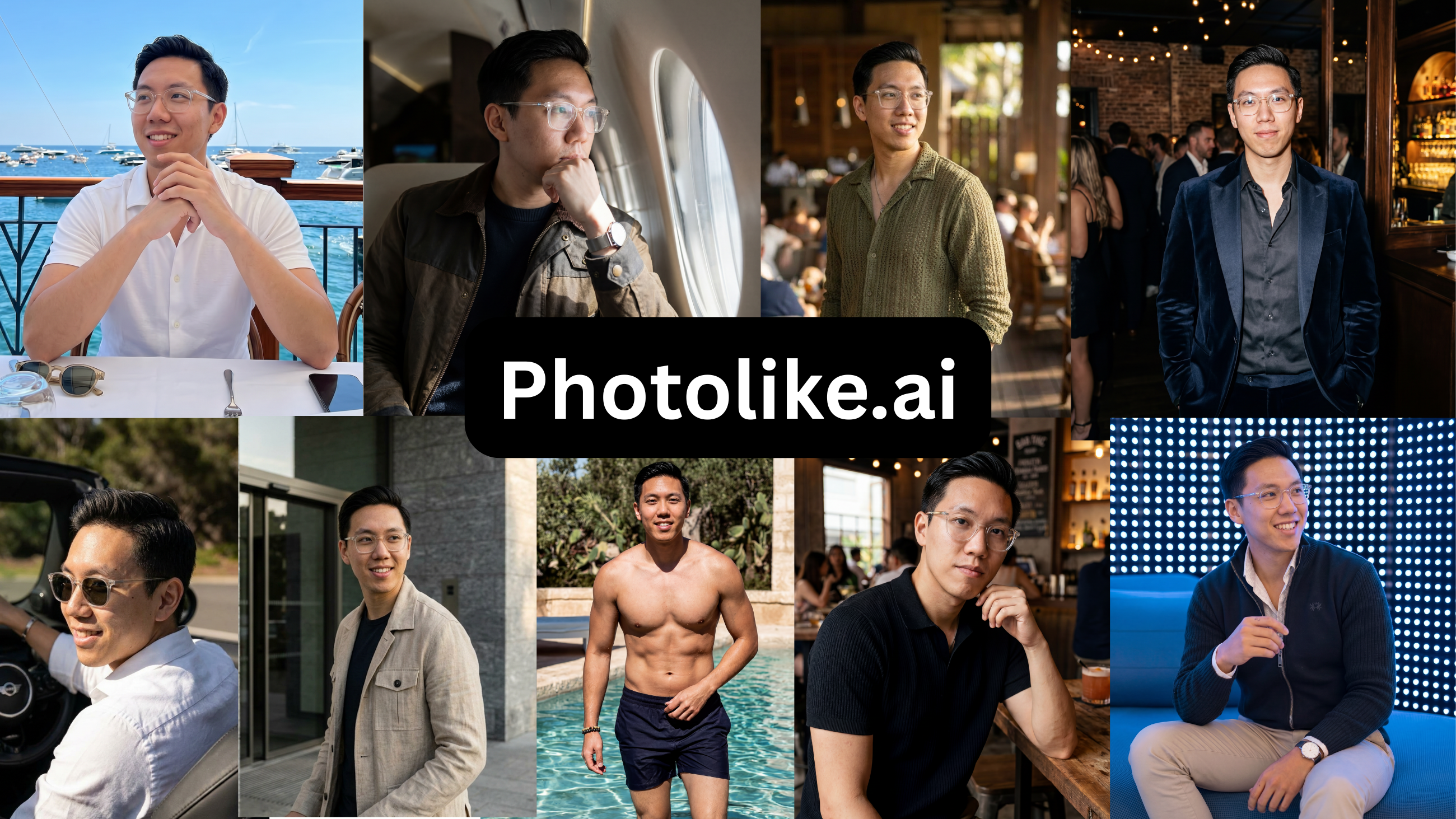
Price: Free preview, then $24.99 / 40+ photos · Free preview: Yes — one photo, no card
| Strengths | Limitations |
|---|---|
| – Elevates your lighting, posing and best angles, not just your existing look | – New to the market, with a shorter track record |
| – True-to-life images that read as you | – Not yet widely known |
| – Free preview with no credit card required | – A niche product for the male dating market |
| – Captures your full range and all angles | – Not all use cases covered yet |
| – Purpose-built albums (The Boss, The Chill Guy, Coffee Date, Gym, Travel and more), each engineered to signal a specific thing | |
| – Built specifically for male dating scenarios | |
| – Professional shots and friend-took-this candids both covered | |
| – Personalized styles and contexts | |
| – Max Mode for your strongest attraction output | |
| – Upload and recreate any reference look with your face | |
| – Designed to look like you on your best day | |
| – 40+ photos with the $24.99 package |
[ Figure: PhotoLike ]
Alex’s PhotoLike output next to the DatePhotos batch — compare the skin texture and how real each one looks.
Verdict — PhotoLike is the best AI dating photo tool for most people: it is the only one that actually elevates your lighting, posing and angles instead of just capturing how you already look, and the only one that let me see a photo of my own face before paying.
Frequently asked questions
Are DatePhotos.ai photos plasticky?
In my test, yes — consistently. Most weren’t usable for a real profile because the finish read as fake.
Does DatePhotos output look AI?
In my test, yes — the over-smoothed, plasticky finish is the kind of look both swipers and the apps’ verification flag. Most of the batch wasn’t usable on a real profile.
Is DatePhotos worth it?
On my test, the plasticky output and the hour wait are hard to justify at $29, especially when a free preview exists elsewhere.
Bottom line
DatePhotos has the right idea and a plasticky result, plus the longest wait I measured. PhotoLike goes for the same thing with a more natural finish, a one-time price, and a preview before you pay.
TRY IT ON YOUR OWN FACE FIRST
PhotoLike generates one full-quality photo of your own face free, with no card — the only claim in this guide you can verify in five minutes. A full set is 60+ photos across purpose-built albums for $24.99.
See your free preview at photolike.ai
How we tested: every tool was purchased and run on the same set of source photos from one volunteer, who consented to publishing the AI versions and the quoted reactions. In each case I bought the lowest paid tier — most of these tools also sell higher-priced tiers with more photos or features, which I did not test. Findings on pricing, output quality and software bugs are from that hands-on test of the entry tier. Prices were correct at the time of testing; verify before purchasing. This guide is published by PhotoLike and is not sponsored by any tool reviewed.
Sources & references
On This Page
Frequently Asked Questions
Using real-world settings in AI dating photos offers a more relatable and authentic presentation. Instead of sterile studios, these photos place individuals in familiar environments like a coffee shop or park, which can boost connection.
The 'plasticky' look refers to an over-smoothed finish in AI-generated images. It often removes natural skin texture, pores, and subtle details. This can make photos appear artificial and less authentic.
You can obtain a professional variety of dating photos by using AI tools designed for this purpose. Look for services that offer multiple high-quality images across different scenarios quickly. Some options provide this for a fraction of the cost of traditional photoshoots.
Photos with an over-smoothed, plasticky appearance lack natural human detail. This artificiality is easily detected by both human viewers and the verification systems on dating apps. It signals a lack of authenticity.
Long AI training times, sometimes up to an hour or more, delay the user's ability to see results. This extended wait can be frustrating, especially when compared to faster alternatives. It hinders quick evaluation of the output quality.
Common issues include an overly smoothed or 'plasticky' appearance that looks artificial. Photos might also fail to capture a user's true likeness or present them in ways that lack social proof. Many outputs just aren't usable.
Achieving a true-to-life AI photo involves using technology that focuses on realistic skin textures and natural look. It should avoid excessive smoothing. The best tools also capture your best angles and lighting for an authentic yet elevated appearance.
AI can improve dating profile photos by optimizing lighting, posing, and angles. It can also generate images in realistic, everyday settings. The goal is to present a person's best self while maintaining authenticity.
Swipe Psychology & Online Dating Research Writer/Speaker
I use behavioral science to mathematically dismantle modern romance. When I'm done optimizing human attraction, I drink black coffee and play chess.